
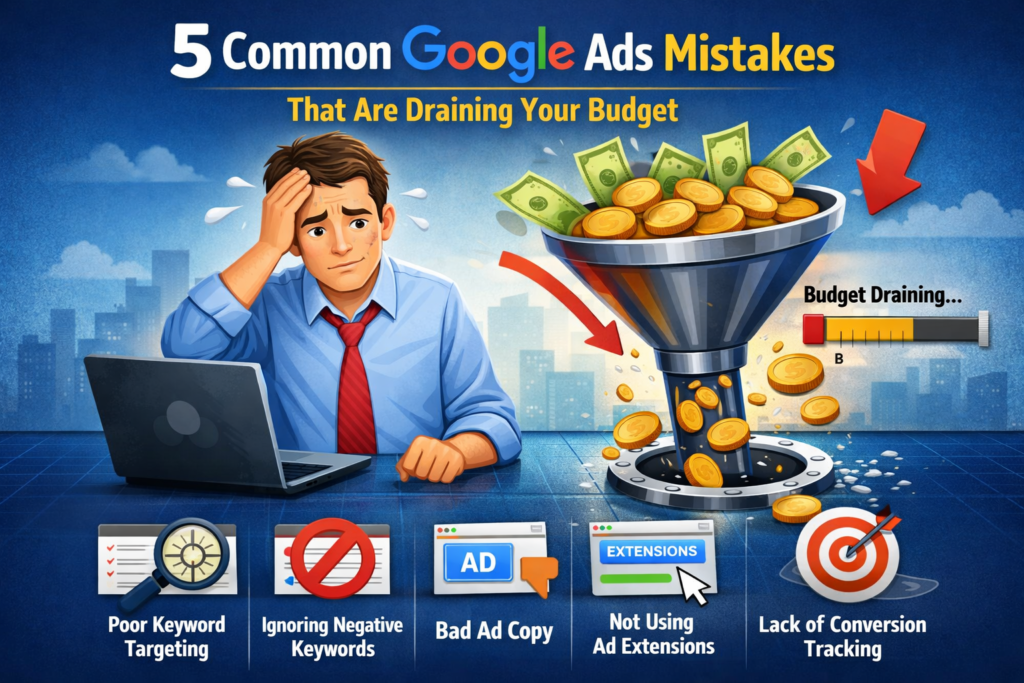
Your Google Ads campaigns might be silently haemorrhaging money. In this guide, we break down the five most costly mistakes killing your ROI—and show you exactly how to fix them.
Every day, businesses lose thousands of dollars due to preventable Google Ads mistakes. A performance marketing agency managing over 100 campaigns discovered that poor keyword targeting, ignored negative keywords, and misconfigured bidding strategies were responsible for wasting $78,000+ on low-quality traffic. The frustrating part? These mistakes are entirely fixable. If you’re running Google Ads without a strategic approach, you’re likely throwing money at problems that can be solved in minutes. This guide will show you what those problems are—and more importantly, how to eliminate them.
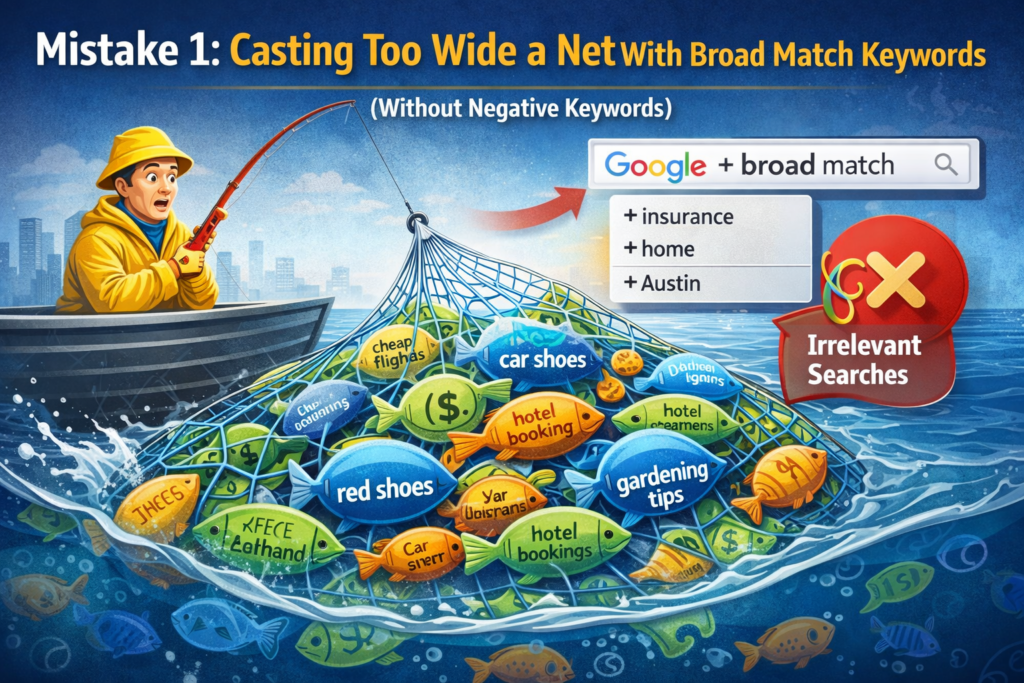
Mistake 1: Casting Too Wide a Net with Broad Match Keywords (Without Negative Keywords)
Why This Matters
One of the biggest budget drains we see is businesses using broad match keywords without a robust negative keyword strategy. Broad match keywords are designed to be flexible, and that flexibility comes at a cost. When you use broad match terms like “digital marketing” without carefully excluding irrelevant searches, Google’s algorithm will show your ads for loosely related queries that have nothing to do with your business.
For example, a premium interior design service paying for “interior design jobs near me” is wasting budget on job seekers, not potential clients. An e-commerce store selling luxury products loses money on searches for “cheap” or “free” alternatives. A B2B SaaS company bidding on “become a digital marketer” receives clicks from people looking to change careers, not from businesses seeking software solutions.
The Numbers Don’t Lie
In real-world Google Ads audits across multiple industries, broad match keywords without negative keywords account for 30-40% of total wasted ad spend. One user managing a B2B company reported that a single broad keyword “washer-and-dryer” triggered their storage solution ads thousands of times—even though they didn’t sell washers or dryers at all. When they finally cleaned up their negative keyword list, they recovered nearly 50% of their monthly budget without losing a single qualified lead.
How to Fix It
Start with keyword research: Use Google’s Keyword Planner to understand search intent. Separate research keywords from buying keywords. Focus broad match on high-intent terms with clear commercial intent.
Build a comprehensive negative keyword list: Common filters like “free,” “jobs,” “DIY,” “cheap,” and “how to” should be added immediately. Review your search term reports weekly and add irrelevant queries as negatives.
Transition gradually: Don’t switch everything to an exact match overnight. Instead, layer your keywords: use exact match for your core, high-converting terms, phrase match for related variations, and broad match only for very specific, high-intent queries.
Segment by intent: Create separate ad groups for different search intentions. Users searching for “buy” are different from users searching for “learn about.” They need different ads and landing pages.
Related Reading
For a deeper dive into keyword strategy, explore how to optimise your Google Ads keyword structure to improve Quality Score and reduce wasted spend.
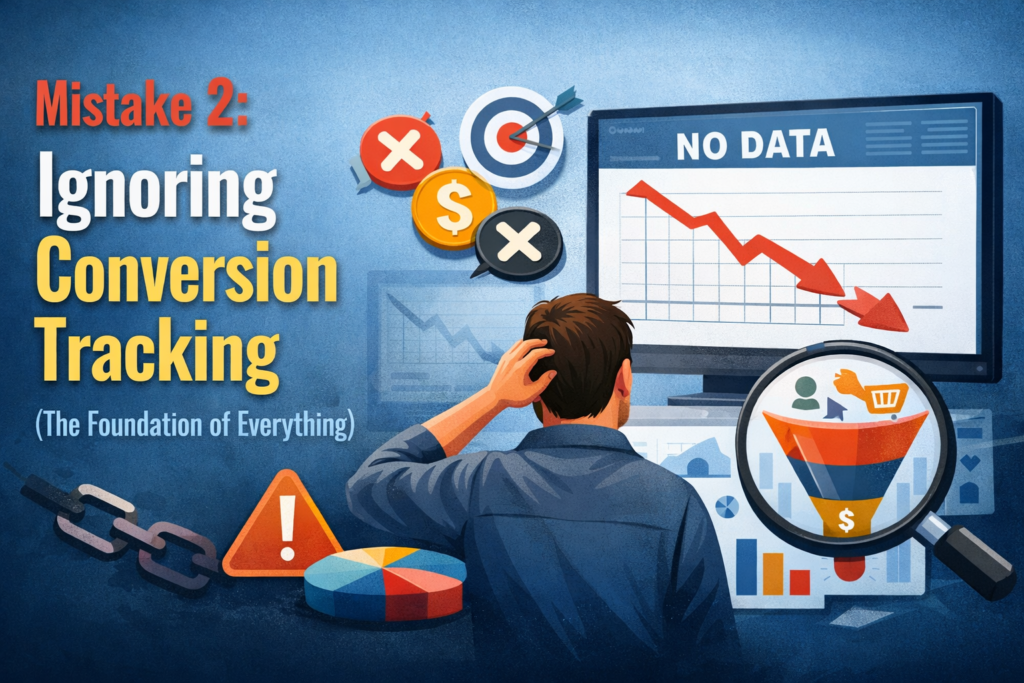
Mistake 2: Ignoring Conversion Tracking (The Foundation of Everything)
Why This Matters
This is the single most critical mistake, yet thousands of accounts still run without proper conversion tracking. If you can’t measure what’s working, you can’t optimise it. It’s like flying blind.
Conversion tracking serves multiple purposes:
- Google’s algorithm relies on accurate data: Machine learning bidding strategies (Maximise Conversions, Target CPA, Target ROAS) are only as good as the conversion data you feed them.
- You can’t measure ROI: Without tracking, you’ll never know if your campaigns are actually profitable.
- You waste budget on the wrong channels: Without tracking, you might spend heavily on low-converting keywords while underfunding your best performers.
Common Conversion Tracking Mistakes
Multiple conflicting conversion actions: If you have 4-5 active conversion actions without a clear primary goal, Google doesn’t know what to optimise for. It treats a page view the same as a purchase, which results in terrible ROAS.
Conversion tracking not fired on the right page: Some accounts set up conversion tags to fire on form submissions rather than on thank-you pages, leading to missed conversions and inaccurate data.
GA4 vs. Google Ads tracking mismatch: Many accounts have GA4 conversions that don’t match Google Ads conversions, creating confusion and poor optimisation decisions.
No enhanced conversions setup: Standard conversion tracking is increasingly unreliable due to iOS privacy changes and cookie restrictions. Enhanced Conversions uses first-party data (email, phone) to recover lost conversion data and improve bidding by up to 30%.
How to Fix It
Set up proper conversion tracking:
- Use Google Tag Manager (GTM) for more durable tracking
- Add the Google Ads Conversion Linker tag to fire on all pages
- Create specific conversion tags for each desired action (purchases, qualified leads, demo requests)
- Test with Google’s Tag Assistant to ensure tags are firing correctly
Establish a primary conversion action: Identify your most valuable action (purchase, qualified lead, etc.) and set it as primary. Demote secondary actions (newsletter signups, downloads) to secondary status.
Implement enhanced conversions: Collect first-party data at checkout or form submission. Hash the data and send it to Google. This recovers conversions that would otherwise be missed and improves bidding accuracy by 20-30%.
Integrate GA4 properly:
- Link your GA4 property to Google Ads
- Import GA4 Key Events as conversions into Google Ads
- Use data-driven attribution instead of last-click attribution
- Set the same conversion window across both platforms (typically 30 days)
Audit weekly: Review your conversion tracking setup monthly. Changes to your website, forms, or checkout process can break tracking without you realising it.
Related Reading
Learn more about advanced Google Ads tracking setup with GA4 to maximise data accuracy and improve your machine learning bidding performance.
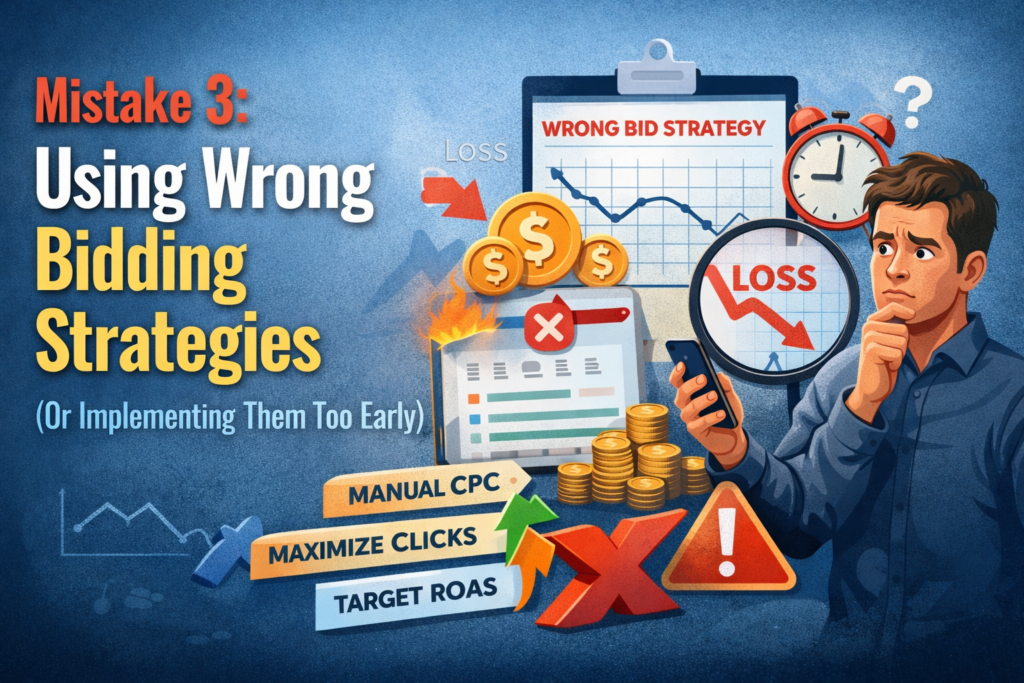
Mistake 3: Using Wrong Bidding Strategies (Or Implementing Them Too Early)
Why This Matters
Your bidding strategy is your most powerful lever for controlling performance. Pick the wrong one, or implement it before you have enough data, and you’ll either overpay for clicks or throttle your results entirely.
There are three categories of bidding strategies:
- Click-based strategies (Manual CPC, Maximise Clicks) – Give you control but require constant monitoring
- Conversion-based strategies (Maximise Conversions, Target CPA) – Automate bidding based on your goals
- Revenue-based strategies (Target ROAS, Maximise Conversion Value) – Optimise for profit and scale
The Most Common Bidding Mistakes
Implementing Target CPA too early: Target CPA is powerful, but it needs historical data to work effectively. Google recommends at least 20-30 conversions per month before implementing automated CPA bidding. If you launch Target CPA with only 5-10 conversions monthly, Google’s algorithm will overspend trying to find conversions at your target price. Many advertisers then disable the strategy, thinking it doesn’t work—when the real issue was premature implementation.
Using Maximise Clicks for conversion-focused campaigns: If your goal is leads or sales, Maximise Clicks is one of the worst strategies you can use. It optimises for clicks, not conversions. You’ll get tons of traffic but terrible conversion rates. Yet many beginners use this strategy because it seems safe.
Not having conversion tracking when using automated bidding: Automated bidding strategies rely entirely on conversion data. If your conversion tracking is broken, the algorithm makes poor decisions. This is why conversion tracking must be fixed before you implement automated strategies.
Switching bidding strategies too frequently: When you change from Manual CPC to Maximise Conversions, Google enters a learning phase (typically 1-2 weeks). If you keep tweaking the strategy during this period, you extend the learning phase and delay seeing results.
How to Fix It
Match your bidding strategy to your conversion data:
- Under 20 conversions/month: Use Manual CPC or Maximise Clicks (with clear negatives)
- 20-100 conversions/month: Start with Maximise Conversions, then graduate to Target CPA
- 100+ conversions/month: Use Target CPA or Target ROAS based on your business model
If you have e-commerce, Use Maximize Conversion Value (prioritises high-value products), then graduate to Target ROAS once you have 30+ days of data.
If you have lead generation: Start with Maximise Conversions to build data, then switch to Target CPA once you can calculate your average customer value.
Give the algorithm time: Once you switch to an automated strategy, wait at least 2-3 weeks (longer if you have low conversion volume) before making changes. The algorithm needs this time to learn.
Implement proper conversion values: For e-commerce, import product values from your feed. For lead generation, calculate your average customer lifetime value and set that as your conversion value. For SaaS, use your average customer acquisition cost target.
Related Reading
Deep dive into bidding strategy selection for your business model to avoid costly transitions and maintain consistent performance during strategy changes.
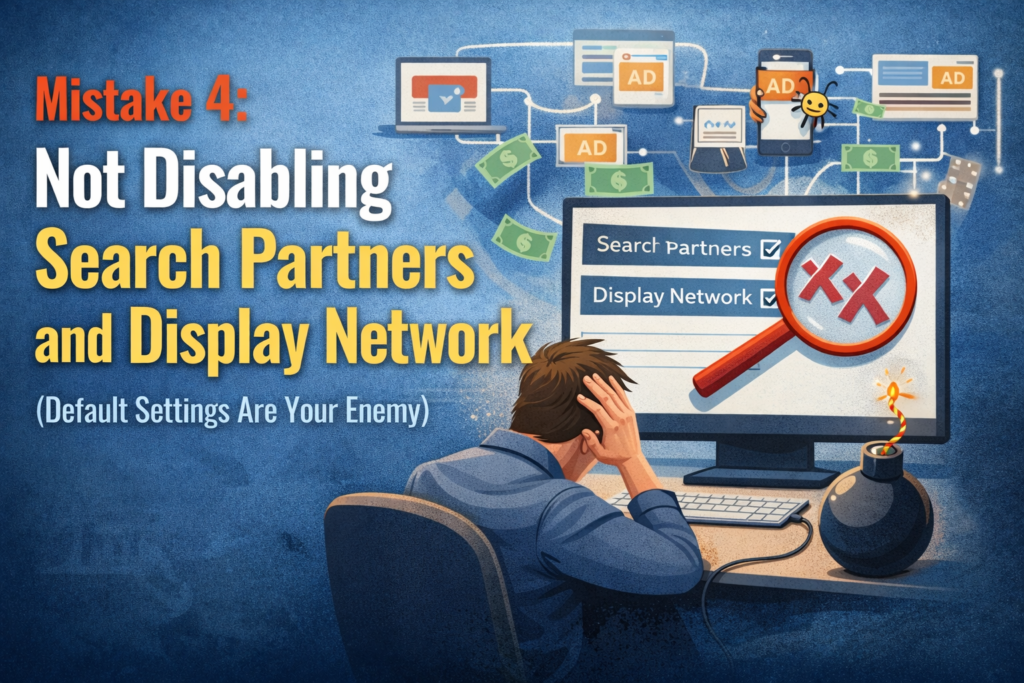
Mistake 4: Not Disabling Search Partners and Display Network (Default Settings Are Your Enemy)
Why This Matters
When you create a new search campaign in Google Ads, the platform automatically enables:
- Search Partners: Non-Google websites, apps, and smaller search engines that partner with Google (Ask.com, DuckDuckGo, etc.)
- Google Display Network: Banner ads, video ads, and in-app ads across millions of websites
Most advertisers skip past these settings without realising they’re turned on by default. This is a critical mistake. Search Partners and Display Network placements deliver significantly lower-quality traffic.
The Reality of Search Partners
A B2B SaaS company analysed its Google Ads performance and discovered shocking numbers:
| Metric | Google Search | Search Partners |
|---|---|---|
| Spend | $259,367 | $78,383 |
| CTR | 7.5% | 12.4% |
| Conversion Rate (in GA) | 1.7% | 3.1% |
| Qualified Leads (in CRM) | 2% of conversions | 0.1% of conversions |
| Revenue | $727,000 | $17,000 |
Search Partners showed higher CTR and conversion rates in Google Ads—but in their CRM, only 2% of Search Partner leads were qualified. This means 98% of the budget spent on Search Partners was completely wasted.
Why This Happens
Search Partners traffic often comes from:
- Lower-quality affiliate sites
- Spam content networks
- Low-intent traffic looking for free alternatives
- Bot traffic
Even though Google’s reporting shows these conversions, the actual quality is abysmal.
How to Fix It
For most search campaigns: Disable both Search Partners and Display Network expansion. Focus your budget on Google Search, where intent is highest, and quality is better controlled.
Campaign settings location: Go to your campaign, click Settings, and find the Networks section. Uncheck:
- “Include Google Search Partners”
- “Include Google Display Network”
Exception: If you have a very high budget and strong conversion tracking, you might test Search Partners separately in its own campaign to evaluate performance. But even then, most businesses find the quality too poor to justify the spend.
For display and video: Don’t mix these with search campaigns. Create separate Display and YouTube campaigns with their own budgets and strategies. This gives you visibility into performance and control over bidding.
Related Reading
Understand how network settings impact your Quality Score and why Google’s default recommendations often favour their own revenue over your profitability.
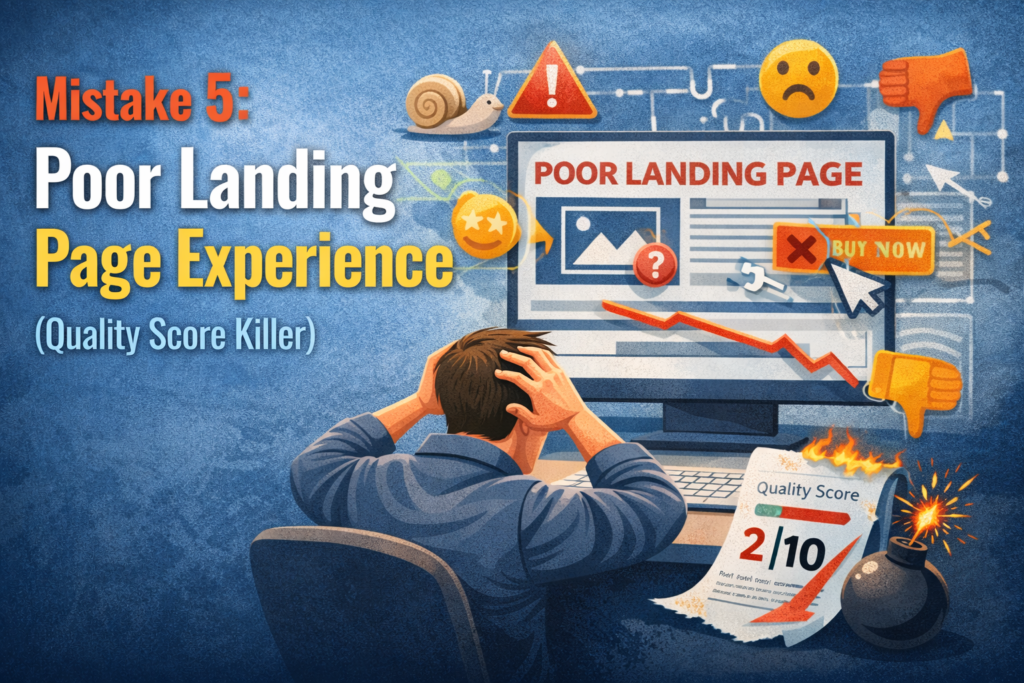
Mistake 5: Poor Landing Page Experience (Quality Score Killer)
Why This Matters
Your landing page experience directly impacts your Quality Score, which affects your cost-per-click (CPC) and ad rank. A poor landing page experience can increase your CPC by 30-50% compared to competitors with optimised pages.
Google evaluates landing pages on three factors:
- Relevance: Does the page content match the ad and keyword?
- Experience: Is the page fast, mobile-friendly, and easy to navigate?
- Transparency: Does the page build trust with clear information and contact details?
Common Landing Page Mistakes
Sending all traffic to your homepage: Your homepage is generic. When someone clicks an ad for “premium interior design consultation in New York,” they don’t want to land on your homepage. They want a page specifically about that service in that location.
Mismatched messaging: If your ad says “Free consultation,” but the landing page says “Book a consultation ($500 fee),” users bounce. This signals a poor landing page experience to Google.
Slow page speed: Google explicitly states that a 1-second delay in mobile page load can result in a 20% reduction in conversions. If your landing pages take 3+ seconds to load, you’re losing conversions and getting penalised by Quality Score.
Not mobile optimised: Over 60% of Google searches come from mobile. If your landing page isn’t mobile-responsive, you’re losing half your traffic and hurting Quality Score.
Too many distractions: If your landing page has navigation menus, sidebars with external links, or competing CTAs, users get distracted. They should have one clear path to conversion.
How to Fix It
Create ad-group-specific landing pages: Match your landing page to the keywords in your ad group. A keyword about “senior living communities in Austin” should land on a page about senior living in Austin, not your homepage.
Ensure keyword-ad-landing page alignment:
- Your keyword: “Best interior designer for small spaces”
- Your ad: “Transform Small Spaces into Your Dream Design. Award-winning designer specialising in compact homes.”
- Your landing page: A page featuring small-space design projects with before/after photos, testimonials, and pricing.
Optimise for speed: Use Google PageSpeed Insights to audit your pages. Aim for under 2 seconds for mobile. Compress images, minimise code, and use a content delivery network (CDN).
Mobile-first design: Design for mobile first, then scale up. Test on real mobile devices, not just in your browser.
Clear value proposition: The headline on your landing page should match the headline of your ad. Within 3 seconds, visitors should understand:
- What you offer
- Why they should choose you
- What happens next (clear CTA)
Remove friction: Simplify forms. Asking for 10 fields reduces conversions. Ask for only essential information (name, email, phone). You can ask for more information later.
Build trust: Include:
- Customer testimonials or case studies
- Social proof (review stars, number of happy clients)
- Clear contact information
- Privacy policy and security badges (especially for e-commerce)
Related Reading
Explore landing page optimisation for better Quality Scores and learn how small improvements to page experience can reduce your CPC and boost profitability.
How to Audit Your Account for These Mistakes (Action Plan)
You don’t need to fix everything at once. Follow this prioritised approach:
Week 1: Conversion Tracking Audit
- Verify your conversion tracking is working correctly
- Check if you have a clear primary conversion
- Set up enhanced conversions if you haven’t already
- Test with Google Tag Assistant
Week 2: Network Settings Review
- Disable Search Partners and Display Network on search campaigns
- Review the performance by network in your existing data
- Create separate campaigns for display/video if needed
Week 3: Keyword and Negative Keyword Cleanup
- Pull your search term report for the last 90 days
- Add 50-100 negative keywords based on irrelevant searches
- Review your broad match keywords and add intent-based negatives
Week 4: Bidding Strategy Evaluation
- Check your conversion volume
- If under 20/month: Stay with Manual CPC
- If 20-100/month: Implement Maximise Conversions or Target CPA
- If 100+/month: Implement Target ROAS or Target CPA with proper values
Week 5: Landing Page Improvements
- Review your top 10 converting keywords
- Create or optimise landing pages for each keyword/ad group
- Test page speed on mobile
- Ensure mobile responsiveness
- Simplify forms and CTAs
Focus on the Fundamentals
These five mistakes account for the majority of wasted Google Ads spend across industries. The good news? They’re all fixable without increasing your budget. By fixing your keyword strategy, conversion tracking, bidding approach, network settings, and landing pages, you can typically improve ROAS by 50-200% while spending the same amount.
The businesses that win on Google Ads aren’t necessarily the ones with the biggest budgets—they’re the ones with the best fundamentals. Start with conversion tracking, then move systematically through these five areas.
Your next step: Audit one area this week. If you’re managing client accounts or running ads for your own business, identify which of these five mistakes is costing you the most money. That’s where to start.